

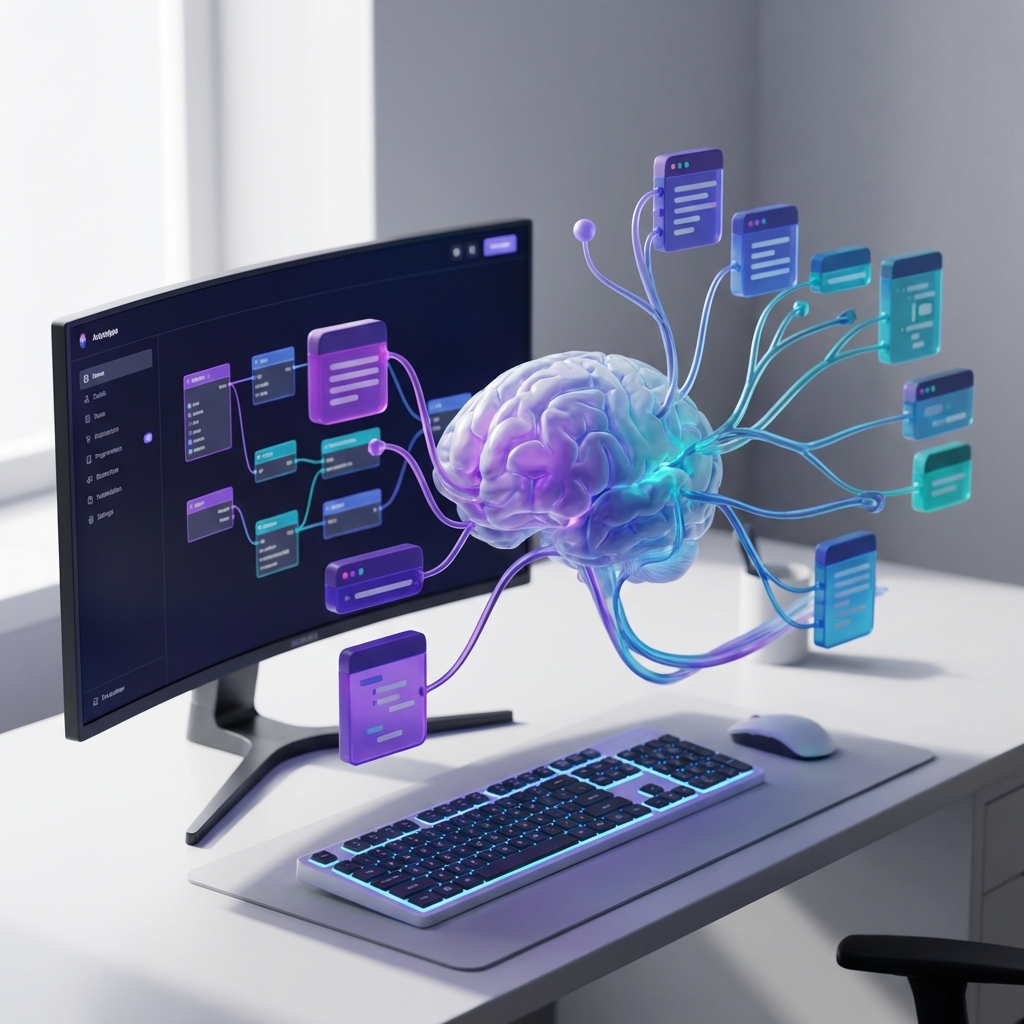
No-Code Meets AI: The Future of Business Automation
Learn how combining no-code platforms with AI agents creates powerful automation workflows that used to require months of custom development—now deployable in days.
For years, business automation meant one of two paths: expensive custom development or rigid, template-based tools that never quite fit your needs.
That era is over.
The convergence of no-code platforms and AI agents has created a third path—one that combines the flexibility of custom code with the speed of visual builders, all supercharged by intelligent automation.
At Mintec, we're building automation systems in days that would have taken months just two years ago. Here's how.
The No-Code Revolution (and Its Limits)
No-code platforms like Zapier, Make (formerly Integromat), and n8n democratized automation. Suddenly, non-technical teams could connect apps, move data, and trigger workflows without writing a single line of code.
But traditional no-code has three critical limitations:
1. Linear Thinking
Most no-code tools force you into "if this, then that" logic. Real business processes are messy, conditional, and context-dependent.
2. No Intelligence
A Zapier workflow can move data from Point A to Point B. It can't decide whether to move it, how to transform it, or what to do when something unexpected happens.
3. Integration Gaps
Your no-code tool connects 5,000 apps. Great. But what about your legacy internal system? Your custom database? That proprietary API?
How AI Transforms No-Code Automation
AI doesn't replace no-code—it elevates it. Here's the difference:
Traditional No-Code Workflow:
New email arrives → Check if subject contains "invoice" → Save attachment to Dropbox
AI-Enhanced No-Code Workflow:
New email arrives → AI reads content and understands intent →
If it's an invoice: Extract vendor, amount, due date →
Check if vendor exists in system → If not, research company and create record →
Route to appropriate approver based on amount and department →
Schedule payment based on terms → Update cash flow forecast
The second workflow requires understanding, not just pattern matching. That's where AI agents come in.
Real-World Use Cases
1. Intelligent Customer Support Routing
The Old Way: Support tickets get assigned round-robin or based on simple keyword matching. Urgent issues sit in queues. Complex problems go to junior agents.
The AI-Enhanced Way:
- AI reads the full ticket (not just keywords)
- Understands technical complexity and urgency
- Checks customer tier and history
- Routes to the agent with relevant expertise who's currently available
- Suggests knowledge base articles and previous similar resolutions
- Escalates automatically if SLA is at risk
Implementation Time: 3 days with n8n + OpenAI API Result: 40% faster resolution times, 25% reduction in escalations
2. Automated Proposal Generation
The Old Way: Sales rep fills out a form → Someone manually creates a proposal document → Hours of back-and-forth for revisions → Proposal sent days later.
The AI-Enhanced Way:
- Sales rep answers 5 questions in Slack
- AI agent pulls relevant case studies, pricing, and terms
- Generates customized proposal with company-specific pain points addressed
- Creates presentation deck and executive summary
- Sends for review within 15 minutes
Implementation Time: 1 week with Make + Claude API Result: Proposals delivered 10x faster, 35% higher close rate
3. Smart Inventory Management
The Old Way: Reorder when stock hits threshold. Same threshold for every product, regardless of seasonality, trends, or supplier lead times.
The AI-Enhanced Way:
- AI analyzes sales velocity, seasonal patterns, and market trends
- Predicts demand for next 30/60/90 days
- Factors in supplier lead times and bulk discounts
- Automatically generates purchase orders
- Alerts when unusual patterns detected (potential stockout or overstock)
Implementation Time: 2 weeks with custom n8n + predictive model Result: 30% reduction in carrying costs, zero stockouts in 6 months
The Mintec Approach: Hybrid Automation
We don't believe in pure no-code or pure custom code. We build hybrid systems:
Layer 1: No-Code Orchestration
We use platforms like n8n or Make as the "nervous system"—connecting apps, triggering workflows, moving data.
Layer 2: AI Intelligence
We inject AI agents at decision points—reading documents, understanding context, making judgment calls, generating content.
Layer 3: Custom Code (When Needed)
For complex logic or unique integrations, we write custom functions that plug into the no-code workflow.
This approach gives you:
- Speed: Deploy in days, not months
- Flexibility: Easy to modify as business needs change
- Intelligence: AI handles the complex decisions
- Maintainability: Visual workflows that non-developers can understand
Building Your First AI-Enhanced Automation
Here's a practical framework to get started:
Step 1: Identify the Right Process
Look for processes that are:
- Repetitive but require some judgment
- Currently manual and time-consuming
- Involve data from multiple systems
- Have clear success criteria
Good Candidates: Lead qualification, invoice processing, content moderation, customer onboarding Bad Candidates: Processes with unclear rules, highly creative work, tasks requiring deep expertise
Step 2: Map the Current Workflow
Document every step, including:
- What triggers the process
- What decisions get made (and by whom)
- What data is needed from where
- What the output should be
Step 3: Identify AI Opportunities
Where in the workflow do humans:
- Read and understand unstructured text?
- Make decisions based on context?
- Generate customized content?
- Classify or categorize information?
These are your AI injection points.
Step 4: Build and Test
Start with a simple version:
- Connect the core systems
- Add one AI capability
- Test with real data
- Iterate based on results
Step 5: Expand and Optimize
Once the core works:
- Add more AI capabilities
- Connect additional systems
- Build in error handling and monitoring
- Train your team on the new process
Common Pitfalls to Avoid
1. Over-Automating Too Soon
Don't automate a broken process. Fix the process first, then automate it.
2. Ignoring Error Handling
AI isn't perfect. Build in human review for high-stakes decisions and clear escalation paths when the AI is uncertain.
3. Forgetting About Monitoring
Automated doesn't mean "set and forget." Monitor performance, track errors, and continuously improve.
4. Skipping Documentation
Six months from now, someone will need to modify this workflow. Document what it does and why.
The ROI of AI-Enhanced Automation
Here's what we typically see:
Time Savings: 60-80% reduction in manual processing time Error Reduction: 90%+ decrease in data entry errors Scalability: Handle 10x volume without adding headcount Speed: Processes that took days now complete in minutes
Investment Required:
- Platform costs: $50-500/month depending on volume
- AI API costs: $100-1,000/month depending on usage
- Implementation: 1-4 weeks for most workflows
Payback Period: Typically 2-4 months
The Future is Hybrid
Pure no-code is too rigid. Pure custom code is too slow. Pure AI is too unpredictable.
The future is hybrid automation—combining the best of all three to create systems that are fast to build, intelligent in operation, and easy to maintain.
The question isn't whether to adopt this approach. It's whether you can afford to keep doing things the old way while your competitors are already automating.
Schedule an Automation Strategy Session to identify your highest-impact automation opportunities.