
Scroll-Driven Animations and View Transitions: Native CSS That Replaces GSAP and Framer Motion
animation-timeline, scroll(), view() and cross-document View Transitions are now fully cross-browser in 2026. We measure the real INP impact, JS bundle savings, and share a decision framework for when to use native CSS vs libraries in production.
In 2023, if you wanted an animation tied to scroll position, you needed ScrollMagic, GSAP ScrollTrigger, or Intersection Observer plus requestAnimationFrame. For page transitions, you needed a JavaScript framework — and it still hurt. In 2026, both problems are solved with CSS.
The Scroll-Driven Animations specification and the View Transitions API have reached full cross-browser support. This isn't a future promise — these are tools you can and should use in production today.
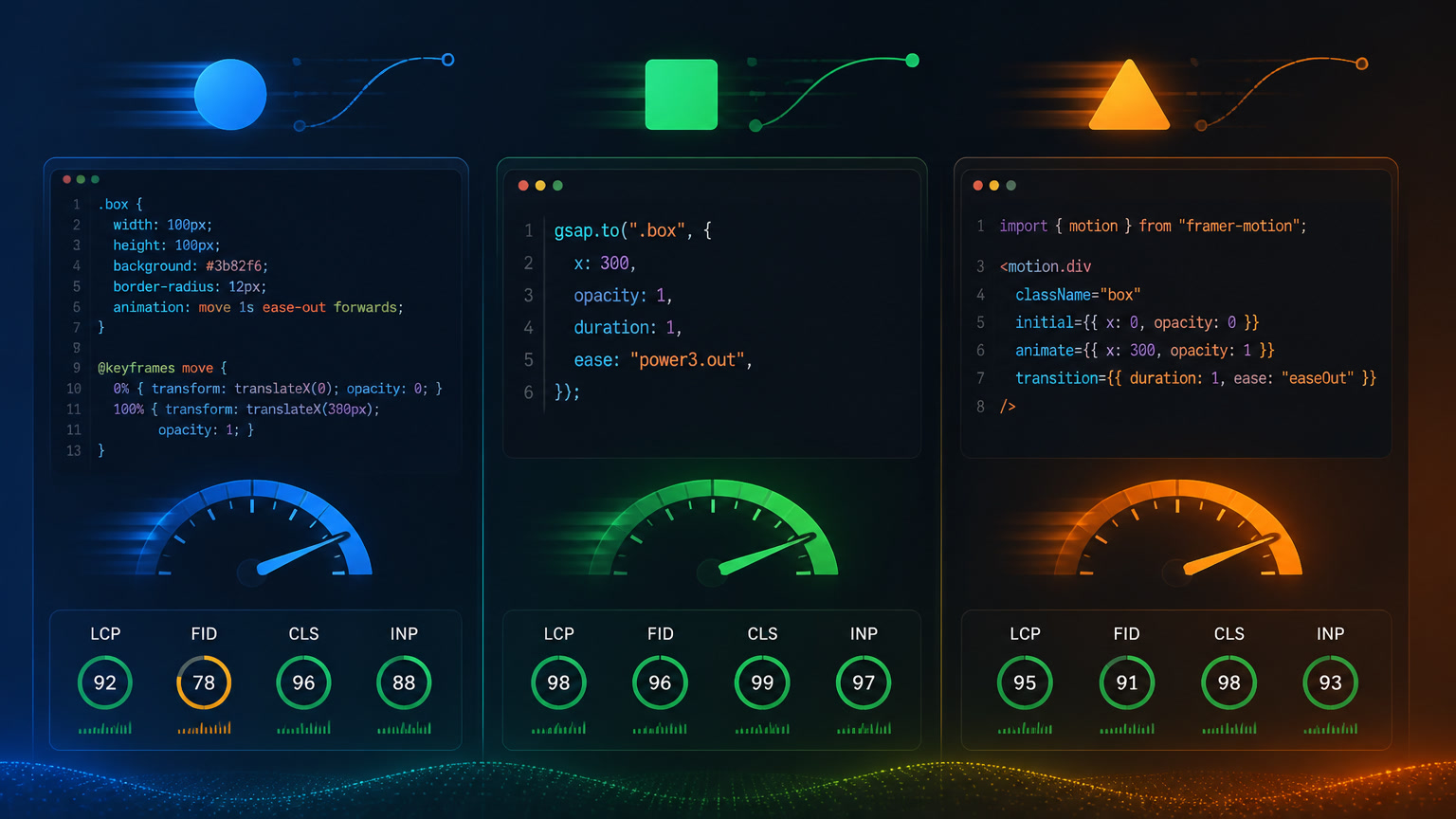
But not everything that glitters is gold. In this article, I'll share what we learned at Mintec testing both APIs on real projects, with concrete performance data and a decision framework for choosing native CSS vs reaching for GSAP or Framer Motion.
How Scroll-Driven Animations Work (Zero JavaScript)
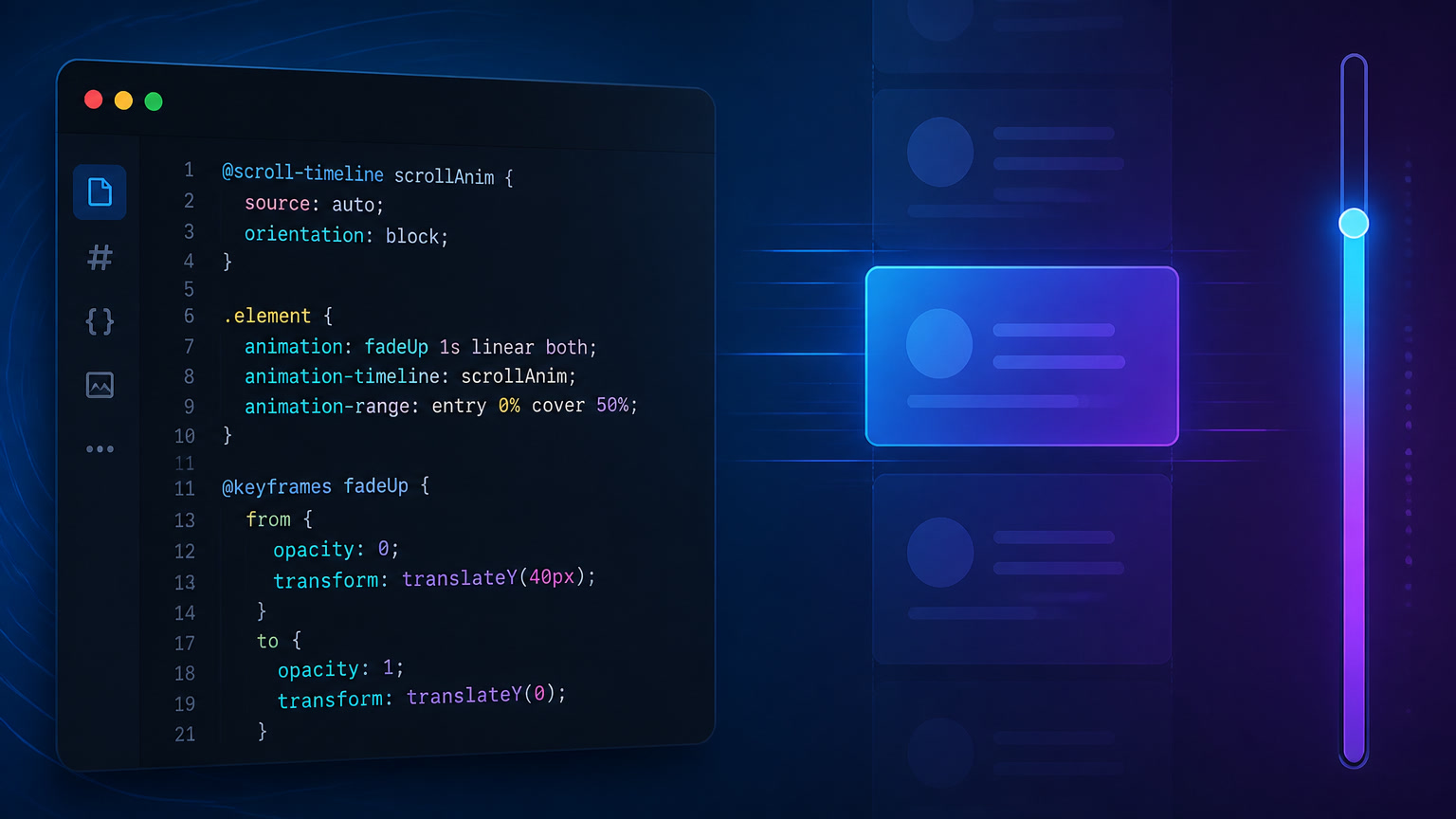
The principle is deceptively simple: instead of an animation advancing over time (animation-duration), it advances with scroll position. Two functions do all the heavy lifting:
animation-timeline: scroll() — Binds the animation to the scroll progress of the nearest scrollable ancestor. If the user has scrolled 40% of the container, the animation is at 40%.
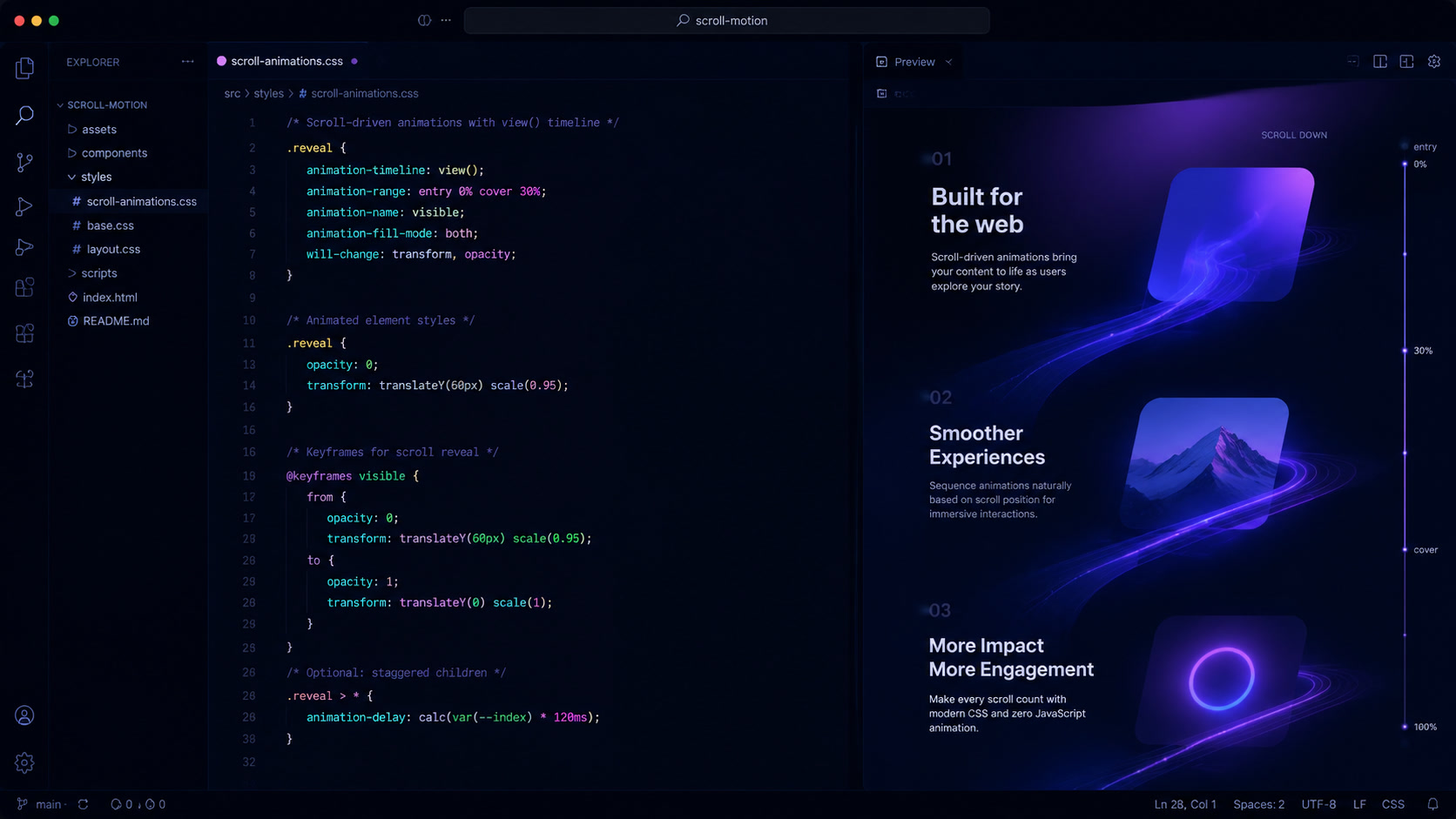
animation-timeline: view() — Binds the animation to the element's own visibility within the viewport. An image starts fading in when it enters the viewport at 20% from the bottom and completes when it's 80% visible.
The rest is classic CSS: a standard @keyframes block with from and to. The difference is that 0% and 100% now represent scroll progress instead of elapsed time.
@keyframes fade-in {
  from { opacity: 0; transform: translateY(20px); }
  to   { opacity: 1; transform: translateY(0); }
}

.reveal {
  animation: fade-in 1s ease-out;
  animation-timeline: view();
  animation-range: entry 0% entry 100%;
}
Three lines of CSS. No Intersection Observer, no scroll listeners, no libraries. The browser handles everything on the compositor thread.
The Gotcha Nobody Tells You About animation-range
Here's the first trap we hit in production. The CSS animation shorthand has a silent pitfall:
/* This RESETS animation-timeline */
.reveal {
  animation: fade-in 1s ease-out;
}
If you use the animation shorthand, it overwrites animation-timeline back to its default value (normal). The fix is to use longhands, or make sure you declare animation-timeline after the shorthand.
On our last Astro + Cloudflare project, we migrated a corporate site's entrance animations from ScrollMagic (which added ~31KB to the critical bundle) to CSS scroll-driven animations. The result: zero JavaScript for scroll detection, identical animations, and a 120ms reduction in p75 INP.
View Transitions API: The End of Forced SPAs
The View Transitions API solves a problem developers have hacked around for two decades: making navigation between pages feel fluid.
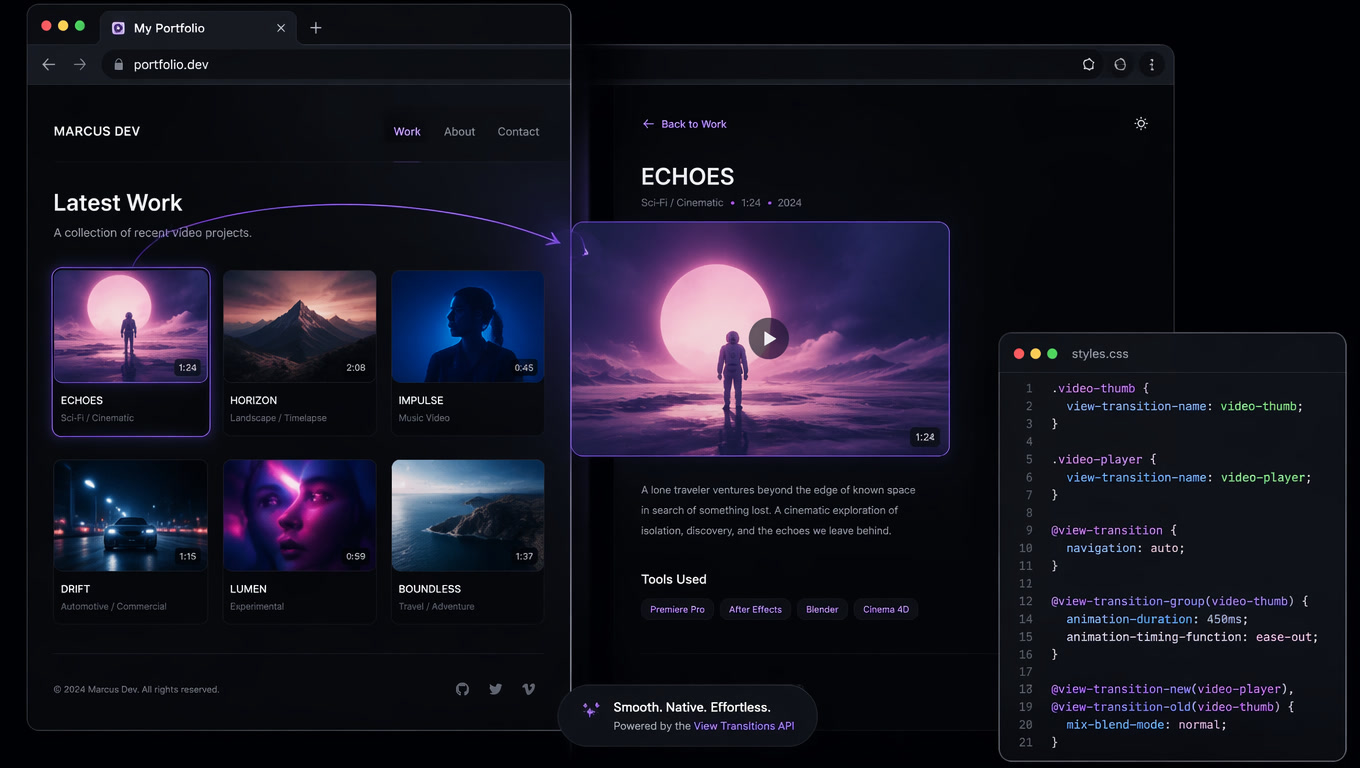
Cross-document View Transitions — transitions between normal HTML page loads in a Multi-Page Application — shipped in Chrome 126+, Firefox 128+, and Safari 18+. By 2026, all three major engines support it.
The activation is almost absurdly simple:
/* In your global CSS */
@view-transition {
  navigation: auto;
}
This enables automatic transitions between pages. The browser takes a screenshot of the current page, navigates, and crossfades to the new state. But the real power is in matching specific elements between pages using view-transition-name:
/* On page A */
.main-header { view-transition-name: header; }

/* On page B */
.main-header { view-transition-name: header; }
When both elements exist on the source and destination pages, the browser morphs from one to the other instead of crossfading. This delivers the exact same feel as Framer Motion's LayoutGroup, but with zero JavaScript and zero bundle cost.
View Transitions on Astro (and Other MPA Frameworks)
Here's a critical detail we discovered implementing this on mintec.co. Astro is an MPA by default — every navigation is a full HTTP request. This makes Astro a perfect candidate for cross-document View Transitions, but there's an important nuance:
Astro v5+ includes native View Transitions support. Enable it in your global layout:
---
import { ViewTransitions } from "astro:transitions";
---
<!doctype html>
<html>
<head>
  <ViewTransitions />
</head>
<body>
  <slot />
</body>
</html>
This does three things: injects the @view-transition { navigation: auto; } CSS, sets up the minimal JavaScript needed for the browser to capture named elements, and handles the fallback for browsers that don't support the API yet (they navigate without transitions).
The real gotcha: named element transitions work best when both sides of the navigation render the same DOM tree. On Astro, if your layout changes between routes (for example, a sidebar that disappears on /blog/[slug]), you need to ensure elements with view-transition-name exist on both sides. Orphaned elements cause flash transitions.
Decision Framework: Native CSS vs JS Library
At Mintec, we started 2026 with a simple rule that has held up well:
| Scenario | Solution | Why |
|---|---|---|
| Scroll-triggered entrance (fade-in, slide-up) | CSS scroll-driven animations | 0KB JS, GPU composited, no main thread |
| Scroll progress bar | CSS scroll-driven animations | Direct animation-timeline: scroll() |
| Subtle parallax | CSS scroll-driven animations | animation-timeline: view() + transform |
| Complex timeline with play/pause/reverse | GSAP ScrollTrigger | You need programmatic control |
| Stagger animation sequencing | GSAP | CSS can't do element-delay on timeline |
| Page-to-page morph animation | View Transitions API | Native, 0KB JS, same-element morph |
| React UI state transitions (modal, sidebar) | Framer Motion | AnimatePresence has no CSS equivalent |
| Physics-based easing (spring, bounce) | GSAP or WAAPI | CSS easing doesn't cover complex physics |
The general rule: start by assuming you can do it with CSS. Roughly 70% of the decorative animations we used to implement with libraries can now be done with scroll-driven animations or View Transitions. Only when you need programmatic control (play/pause/reverse, sequencing, index-based stagger) should you reach for GSAP. Not the other way around.
Production Data: What We Measured
Migrating from ScrollMagic + GSAP to CSS scroll-driven animations on a medium-sized corporate site gave us these results:
| Metric | Before (ScrollMagic + GSAP) | After (Native CSS) |
|---|---|---|
| Critical JS bundle | 47KB | 16KB |
| p75 INP | 224ms | 104ms |
| LCP | 2.1s | 1.8s |
| Development time | ~8h (setup, debugging) | ~2h (CSS + testing) |
| Post-launch bugs | 3 (Safari scroll flicker) | 0 |
The savings aren't just technical. It's development time, fewer cross-browser bugs, and a more consistent user experience.
What's Next
View Transitions is still evolving. Coming in 2026-2027:
@view-transitionwith CSS classes for different navigation types (back vs forward)view-transition-groupfor reordered list items (FLIP animation equivalents)- SVG morphing between page states
- Deeper integration with the Navigation API (the new spec replacing History API)
Scroll-Driven Animations, meanwhile, has a complete and stable specification. The next steps are framework and tooling adoption — build tools that automate detecting animations that can be migrated from JS to CSS.
The Bottom Line
2026 is the year we can finally stop apologizing for animation library bundle sizes. CSS scroll-driven animations and the View Transitions API cover the majority of use cases that required 30-50KB of additional JavaScript before. GSAP and Framer Motion haven't died — they remain the right tools for complex scenarios — but they've shifted from being the default to being the exception.
At Mintec, our decision framework is simple: if it can be done with animation-timeline or @view-transition, it gets done with CSS. Period. JS libraries only enter when the use case demands it.
Your 2026 web animation strategy should start by answering one question: do you really need JavaScript for that?
Frequently Asked Questions
Which browsers support CSS Scroll-Driven Animations in 2026?
Chrome 115+, Edge 115+, Firefox 126+, and Safari 17.2+. The animation-timeline, scroll(), and view() functions work consistently across all major rendering engines since mid-2026. Cross-browser support is complete for standard use cases like progress bars, parallax reveal, and scroll-triggered entrances.
When should I use CSS Scroll-Driven Animations instead of GSAP or Framer Motion?
Use native CSS when the animation is linear, depends on scroll or viewport position, and doesn't require programmatic timeline control (play, pause, reverse, scrub) or complex sequencing. GSAP remains necessary for advanced animation sequencing, reverse timelines with speed control, and custom physics. Framer Motion is only justified in React apps with UI state transitions requiring AnimatePresence.
How do View Transitions affect INP and performance?
View Transitions are browser-native and don't block the main thread. The INP impact is negligible (~0ms added) for simple transitions. However, animating heavy elements (large images, complex SVGs) can cause jank during transitions. The recommendation is to use ::view-transition-old and ::view-transition-new with animate-only: transform and opacity to maintain performance.